How to Improve Your Restaurant's Google Ranking | Step-by-Step Guide
Meanwhile, your restaurant - with better food, better service, better everything - is buried somewhere on page two.
Here's the thing: Google doesn't know you're better. It only knows what you tell it. And right now, your competitor is doing a better job of telling Google why they deserve to be found.
That changes today. This guide walks you through exactly how to improve your restaurant's Google ranking, step by step. No marketing degree required.
Quick Answer: How to Improve Your Restaurant’s Google Ranking
If you want the fast version, here is what consistently moves restaurants higher in Google Search and Maps:
[TABLE - needs manual formatting]
If you only do three things:
Optimize your Google Business Profile, add photos, and increase reviews.
Those alone often determine who shows up in the local results.
Why Your Restaurant Isn't Ranking (Yet)
Before we fix it, let's understand why restaurants struggle on Google:
Incomplete Google Business Profile. This is the #1 reason. If your GBP is missing photos, hours, menu, or categories, Google doesn't have enough information to show you confidently.
Not enough reviews. Restaurants with 150 reviews beat restaurants with 30 reviews, even if the 30-review restaurant has a higher rating. Volume matters.
Weak or missing website. If you don't have a website, or your website is slow and outdated, Google has less to work with.
Inconsistent business info. Your name, address, and phone number need to match exactly everywhere online.
The good news? All of this is fixable. Let's do it.
Step 1: Claim and Complete Your Google Business Profile
If you do nothing else, do this. Your Google Business Profile controls what shows up in the local 3-pack - those three businesses that appear with the map when someone searches for restaurants near them.
Go to business.google.com and claim your listing if you haven't already. Then fill out everything: business name (exact name, no keywords), primary category (be specific), secondary categories, address, phone, website (link to YOUR ordering page), hours, menu, and description.
Time needed: 30-45 minutes | Impact: Highest of any single action
Step 2: Add Photos (Lots of Them)
Businesses with photos get 42% more requests for directions and 35% more clicks to their website. Yet most restaurants have 5 photos or less.
What to add: exterior shot, interior shots, food photos (your best dishes), team photos, special features (patio, private dining).
Start with 10-15, add 2-3 per month.
Step 3: Get More Reviews (Systematically)
Reviews are a ranking factor AND a trust signal. You need both volume and recency.
Make it easy: Create a direct link to your Google review page, put a QR code on tables and receipts, add the link to follow-up emails.
Ask consistently: Train staff to ask happy customers. The best time is right after a compliment.
Respond to everything: Thank positive reviewers by name. Address negative reviews professionally.
Target: 5+ new reviews per week until you hit 100+.
Step 4: Fix Your NAP Consistency
NAP = Name, Address, Phone. These need to be identical everywhere online: Google Business Profile, Facebook, Apple Maps, TripAdvisor, your website, and any delivery apps.
Common mistakes: "Street" vs "St" vs "St.", suite numbers missing or formatted differently, old phone numbers. Fix anything that doesn't match exactly.
Step 5: Optimize Your Website for Local Search
Your website should tell Google exactly what you are and where you're located.
Must-haves: Your city in the title tag, NAP on every page (usually footer), mobile-friendly design, fast loading (under 3 seconds), menu as HTML text (not just PDF).
Bonus: Separate pages for each location, schema markup for LocalBusiness and Restaurant, location-specific content.
Step 6: Build Local Citations
Citations are mentions of your business on other websites. They help Google verify you're legitimate.
Essential directories: TripAdvisor, Facebook Business, Apple Maps, Bing Places, Foursquare, Yellow Pages, OpenTable.
Local directories: Chamber of Commerce, local business directories, city tourism sites, food blogs in your area.
Step 7: Earn Local Backlinks
Backlinks are links from other websites to yours. They're one of Google's strongest ranking signals.
Ways to earn them: Get featured in "best restaurants in [city]" articles, sponsor local events, partner with local businesses, get written up by local food bloggers.
Don't: Buy links (Google penalizes this), submit to random directories, spam blogs with comment links.
Step 8: Post Regularly on Google Business Profile
Google rewards active businesses. GBP posts are like mini-ads that show up in your listing.
Post ideas: Weekly specials, new menu items, events, behind-the-scenes content. Post at least weekly, ideally 2-3 times per week.
Step 9: Monitor and Adjust
SEO isn't set-and-forget. Track your progress and keep improving.
What to track: Google Business Profile insights (views, clicks, calls), Search Console rankings, review count and rating, website traffic from organic search.
Check monthly: Are photos fresh? Hours accurate? All reviews responded to? Posting regularly? The restaurants that rank highest treat this like ongoing maintenance.
How Long Until You See Results?
Quick wins (1-4 weeks): More clicks from GBP after adding photos, improved visibility from posts, new reviews boosting trust.
Medium-term (1-3 months): Better local 3-pack placement, increased website traffic, more calls and directions.
**Long-term (3-6+ months): **Dominant local rankings, compounding review count, strong backlink profile.
Start now. The earlier you begin, the sooner you'll outrank your competitors.
Ready to Climb the Rankings?
Improving your restaurant's Google ranking isn't about tricks or shortcuts. It's about doing the fundamentals consistently: complete your GBP, get reviews, maintain your website, and keep at it.
Start with Step 1 today. A total of 30 minutes on your Google Business Profile will have more impact than any other single action you take.
Need help with the whole picture? Chowly is a complete 21-product platform that helps independent restaurants get found, get orders, and keep more profit. From commission-free ordering on your own domain to managed Google Ads with 7-21x ROAS attribution, Chowly handles your entire digital presence so you can focus on running your restaurant.
Get a demo to see how Chowly can help you dominate local search and capture more direct orders.
Related Reading
• 17 Restaurant SEO Tips That Actually Work in 2026 (Expert Guide)
• Local SEO for Restaurants: 15 Proven Strategies to Attract More Diners
• Restaurant SEO: The Complete Guide to Getting Found on Google (2026)
Related Articles
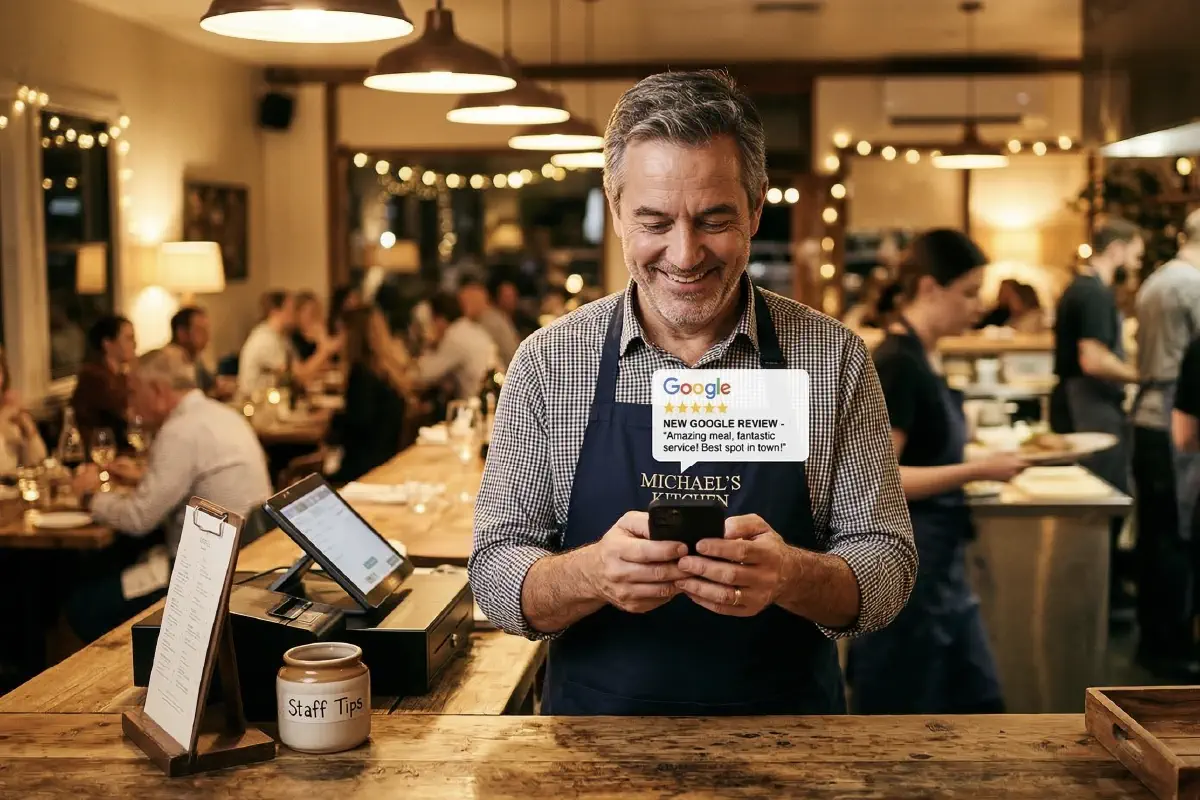
How to Get More Google Reviews for Your Restaurant (7 Proven Methods)
Learn how to get more Google reviews for your restaurant with 7 proven strategies that improve rankings, visibility, and local search traffic.
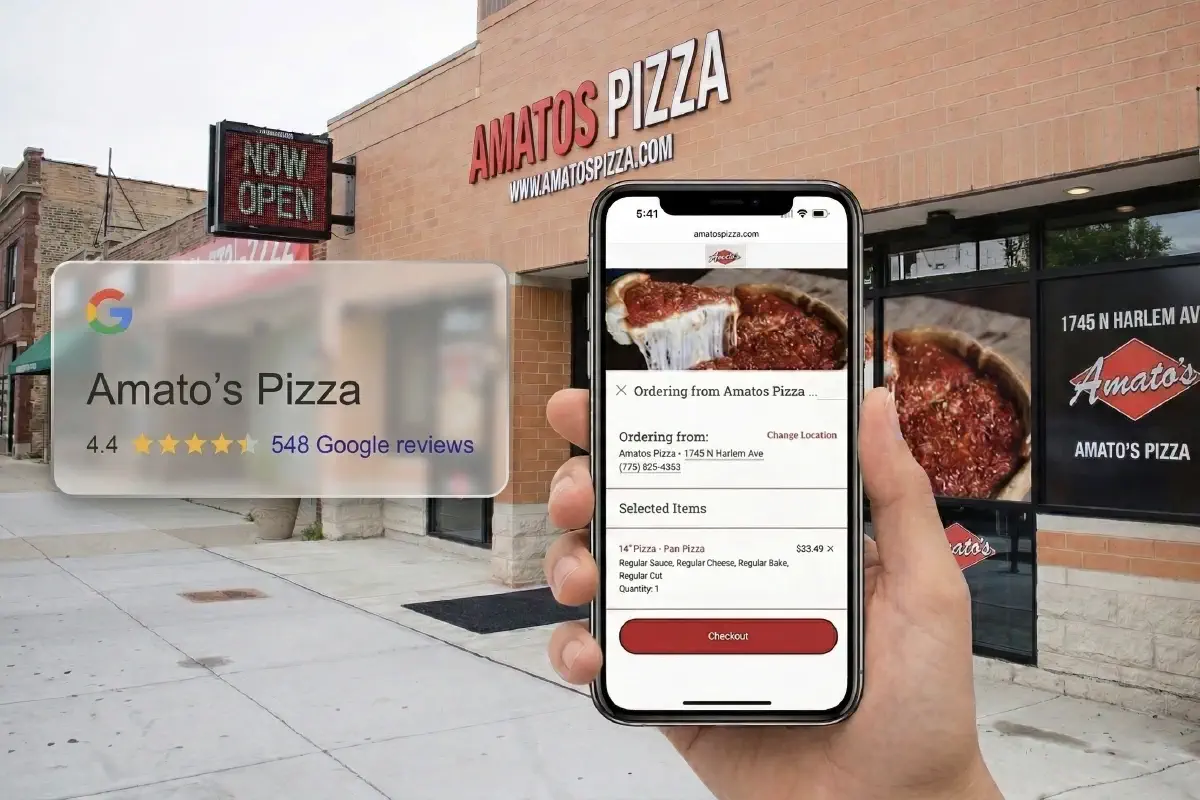
GBP for Pizza Shops: Own Your Google Front Door
Step-by-step Google Business Profile optimization for pizza restaurants. Fix ordering links, photos, reviews, and categories.
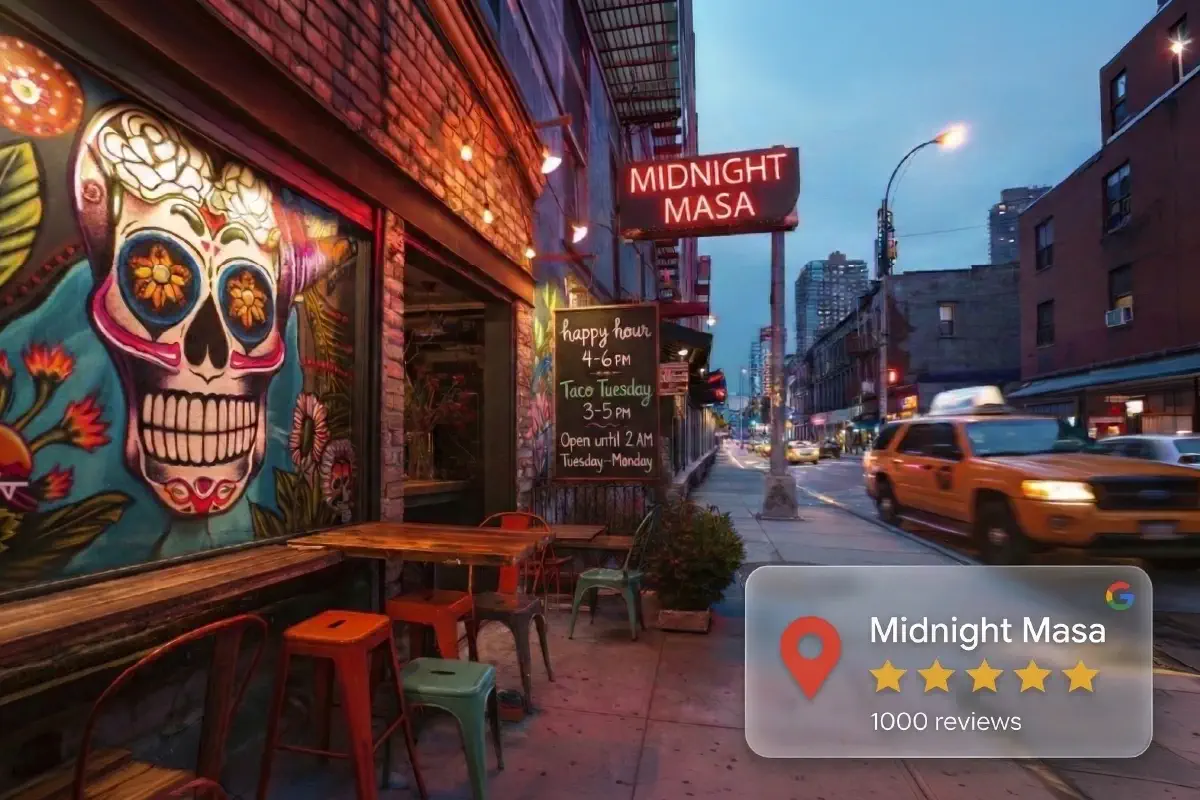
Why Taco Restaurants Win Local Search in 2026
Taco restaurants are outperforming competitors in local SEO. Learn why - and steal their playbook for your restaurant. Real data, real results.